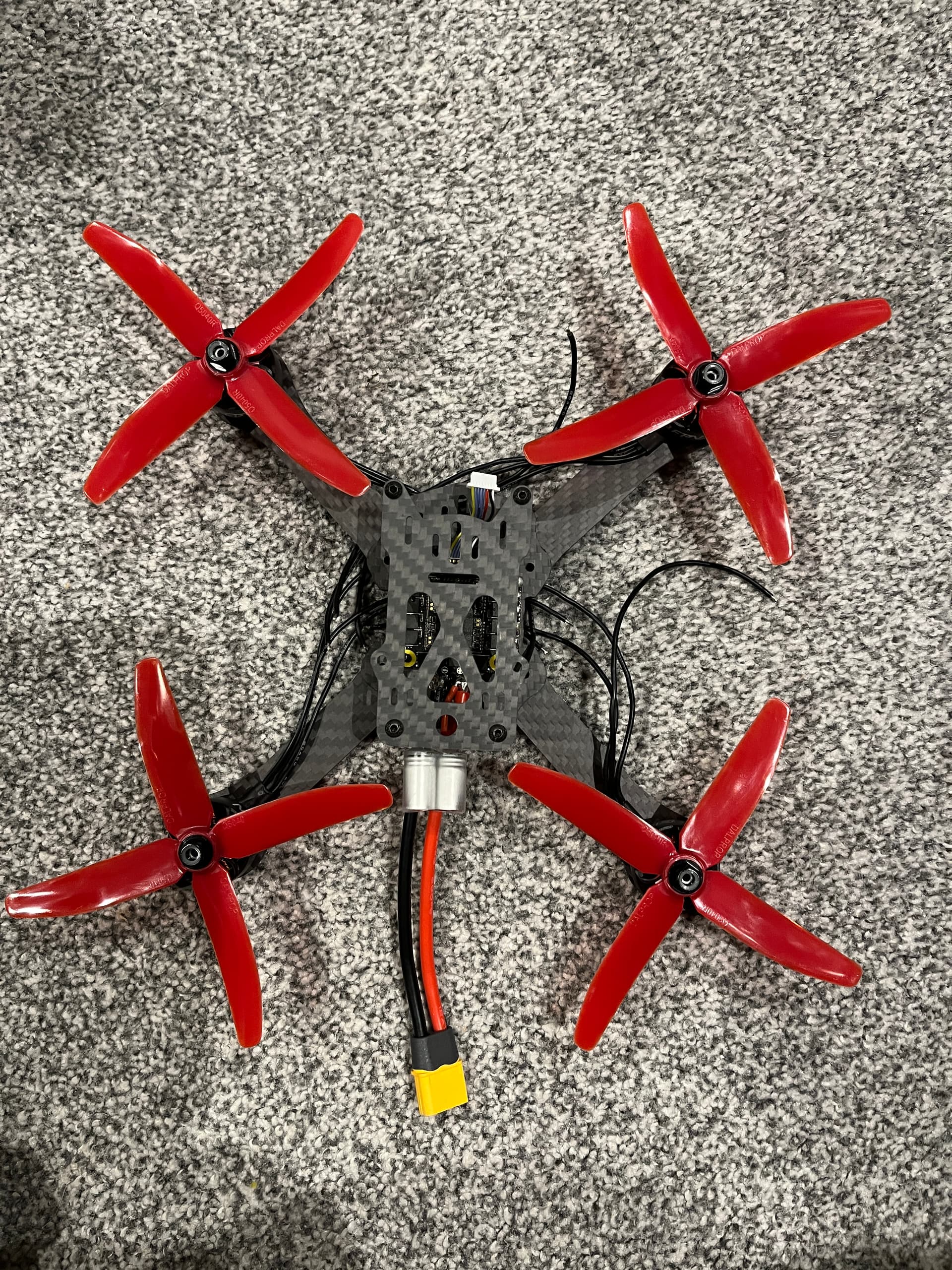
The Martin 3 takes shape pic 1… And BEFORE anyone says, the props are on the wrong place or this is wrong, I likely know about it. I’m honest enough to say if someone spots something that is wrong, like the props are likely in the wrong places. They were just put on to test they fit, both the shaft and the size of the prop. As you can see they do!
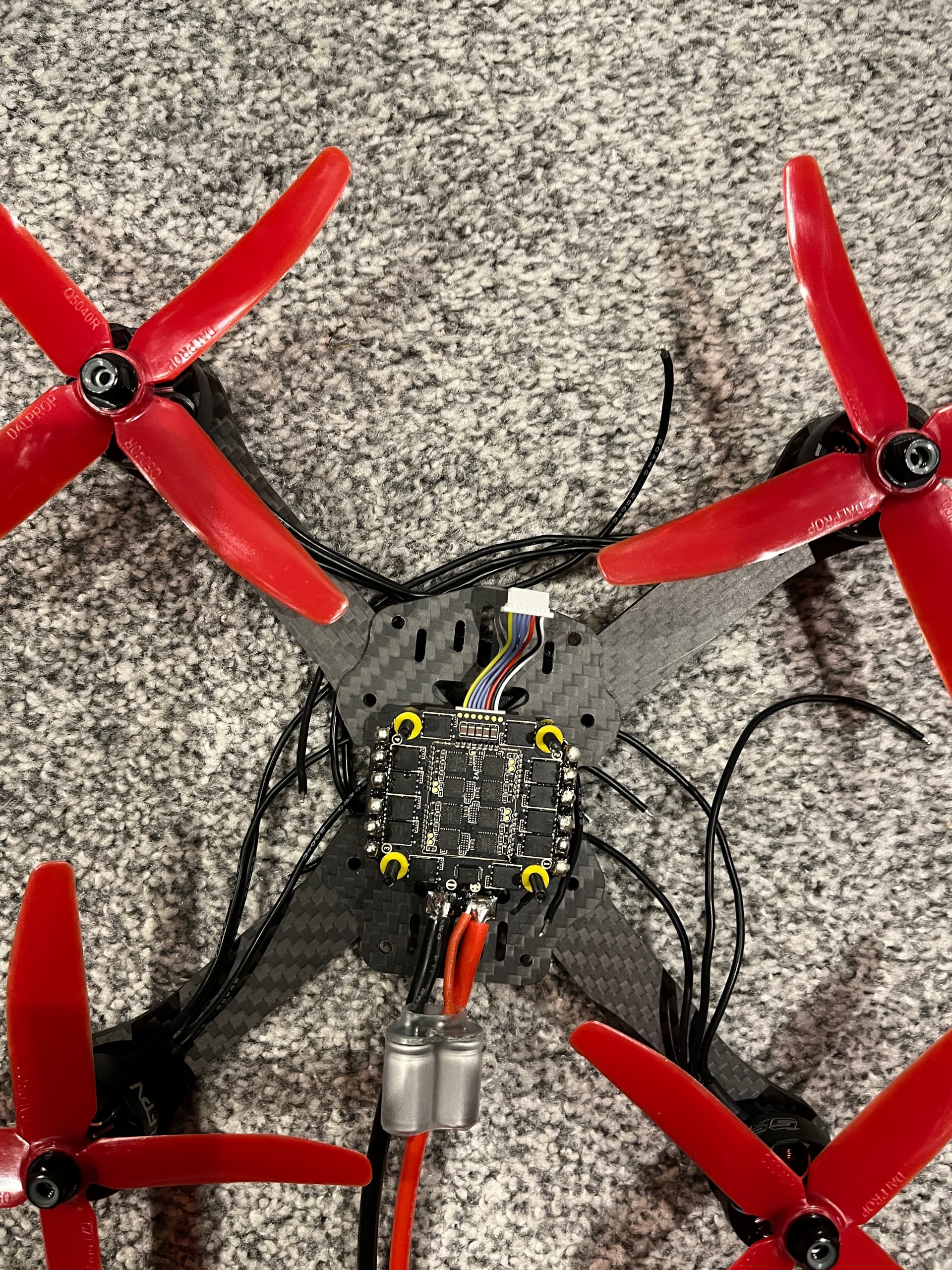
Also the electronics are not installed, well not all anyway, those that are installed are not connected - pic 2
Thanks GVG_Air, yes, I didn’t think of that so I think I’ll look at shortening them, not completely but enough to reduce the snaggability (if that’s a word)!
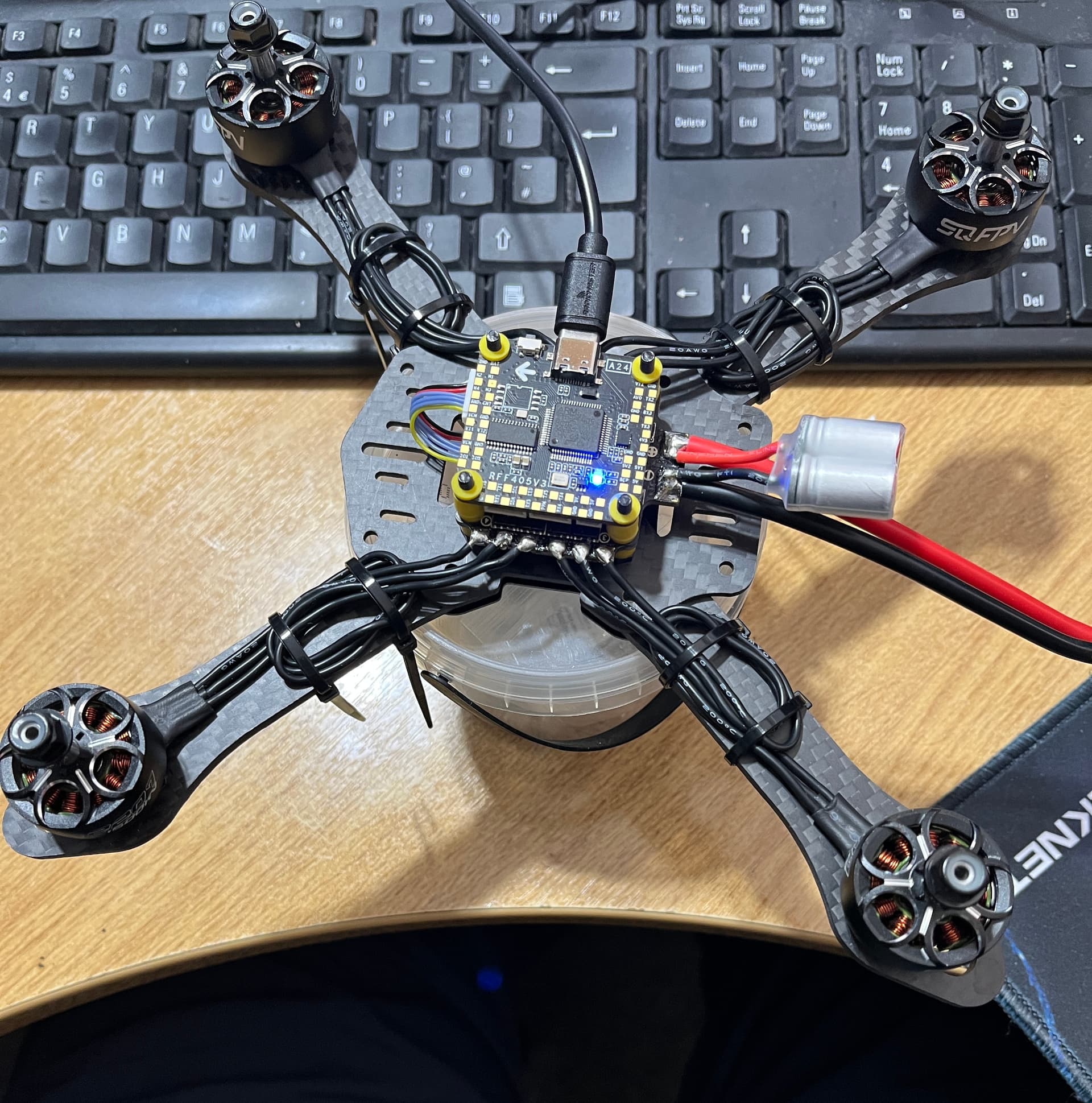
Connected BetaFlight and checked everything looked ok, it did.
So I disconnected BF and connected a PSU, set to 6S/22.2volts max 10Amps. Reconnected to BF and tested the first motor and got SMOKE from the motor being tested!!!
I wasn’t aware these came with smoke trails? on checking, they don’t!
What would cause this problem?
I’ve checked for shorts and other issues, but only the motor being tested smokes, I’ve only tested two motors for very short period.
HELP!
UPDATE - Sorted! The motor mounting screws are too long and were pinching the wire. Having spotted and removed offending screws, smoke got away! Now to find some shorter screws…
Hi again all, another update after the busy time over Christmas and new year is out of the way…
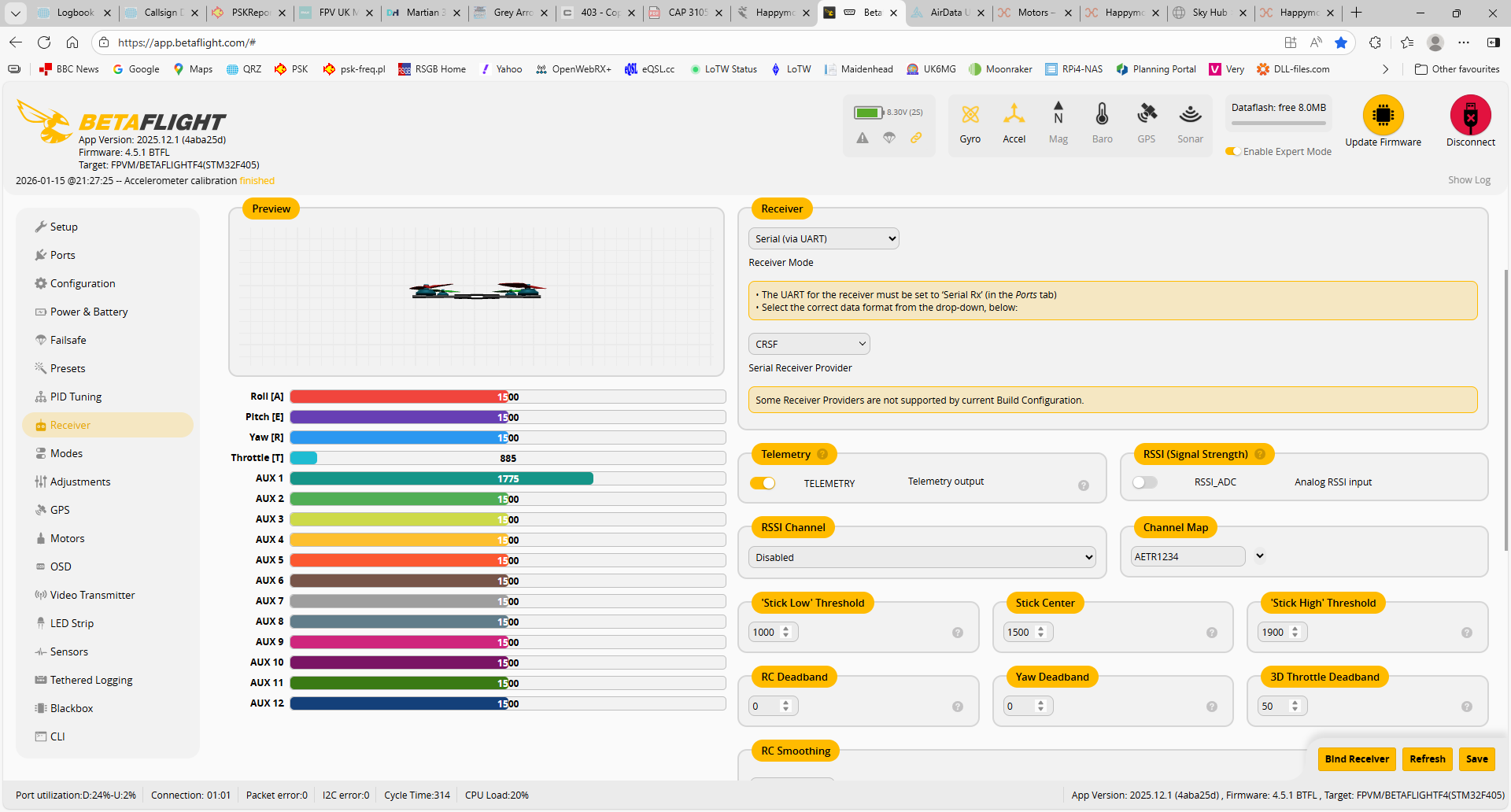
I’ve now sorted out the issues with the RX not connecting, it was the wrong UART/port enabled, although I tried all of them at some time. Still it’s working now. I can arm and the craft responds to the RC, but not quite as expect.
Upon testing, it wouldn’t even get off the ground, now I don’t know what changed as I managed a short hover at one point.
So PROPS OFF! and on the bench connected to battery and BetaFlight - I can see the motors are not synchronised and go up to high revs and don’t come down… I’ve applied one of the latest Pre-set configs and re-tested, no change.
How exactly are you trying to test the motors? Unless done correctly (using the motor sliders in Betaflight configurator after confirming props off) the quad will behave weirdly. If it’s expecting to “feel” thrust from a motor -but doesn’t because it doesn’t have a prop on- it will keep spooling the motor up trying to generate thrust. Since that will never happen, it’ll hit max rpm and stay there.
Reading up a little… I have some bad news for you
That motor you put too long screws in, that smoke came out of? 99% chance that motor is dead. The screw end has very probably severed and shorted some of the windings of the motor. Those copper windings have enamel insulation, so the only way you get smoke out is if you broke that insulation. There’s a nonzero chance the FETs for that phase of the motor on that ESC got fragged at the same time too.
That makes sense though, it also explains the erratic behaviour. If I can Identify the fubar’d ones I’ll bin them, and put it down to experience! Isn’t learning fun?!
I’ll change the motors - What size would be most suited to a 5"
As always, many thanks to all who replied… It’s appreciated!
2207 / 2306, around the 1800kV mark for 6s, 2400kV for 4s.
If you’re anywhere near Sheffield, I’m happy to actually sit with you and guide you through this if you want. I’ve probably got some motors somewhere you can have on the cheap to get you flying too.
Hi mate, thanks for the offer, but I’m nowhere close to Sheffield. I’ve put that one on the shelf for the moment, I’ll revisit in a bit.
I’ve moved to troubleshooting the 3" (or at least I think it’s a 3) I can’t get the RX to be seen by the FC! Now how hard can it be, it in bound to the RC and I see telemetry from the craft.
I’ve tried every port on the page, selecting the RX option one each in turn, then save/reboot. One thing I haven’t done is a hard reboot. So after posting this, I’m going to try…
With a LiPo plugged in, Radio on (and connected to the Rx), as well as usb to Betaflight config, grab me a screen shot of the betaflight receiver tab please?