Great bit of kit my Area was blue for 2 days said radio jamming.
But clear today so been up and about 
Great bit of kit my Area was blue for 2 days said radio jamming.
But clear today so been up and about
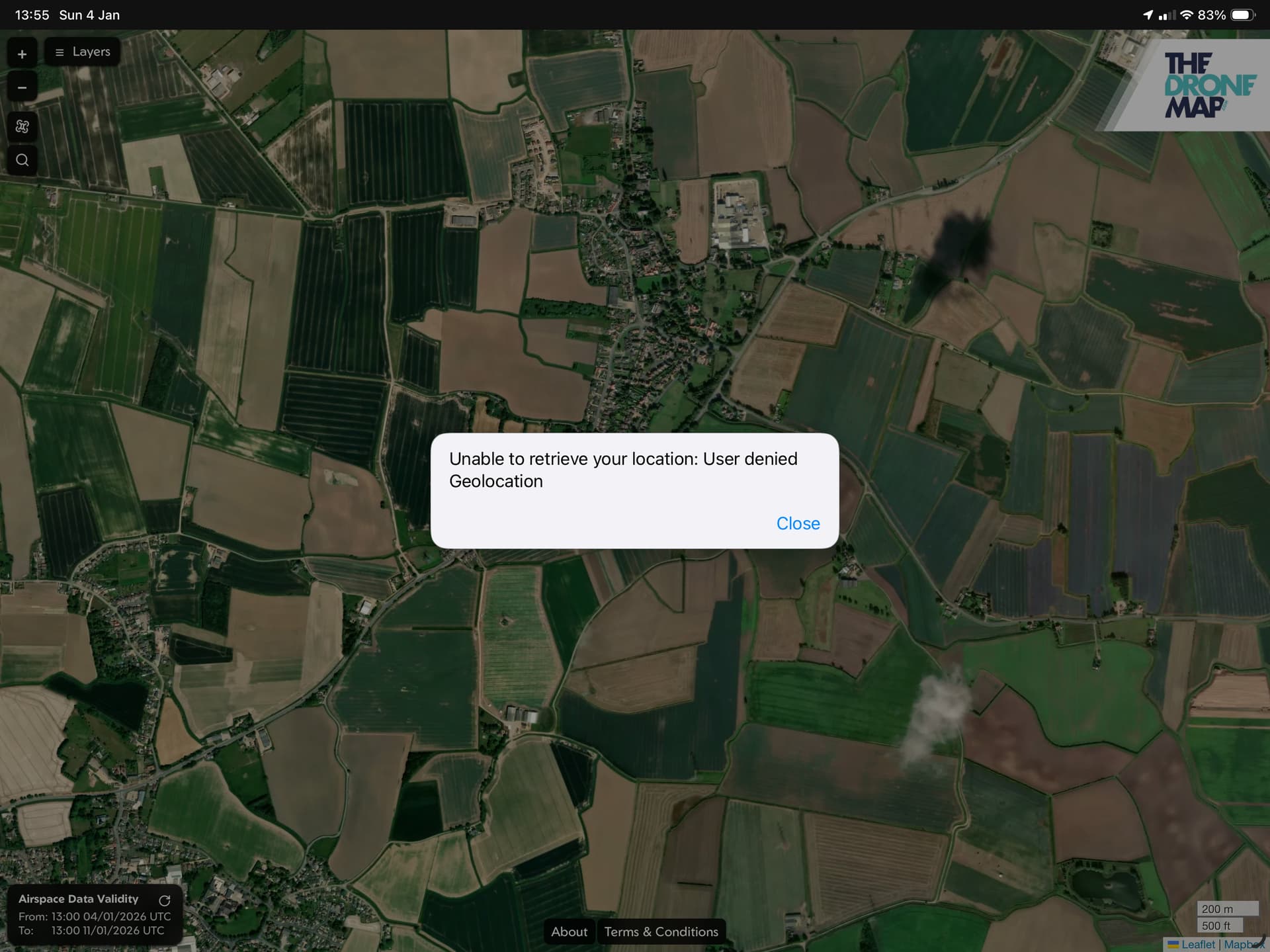
Sorry I said my phone, but I meant my iPad. Sadly removing it and adding it again has the same effect.
Hi Tim
What version of the iPad do you have?
If it’s not the 4G version it doesn’t have a GPS. Which may be the issue?
Hi Simon, it’s an iPad Pro 12.9 with 4g. As I mentioned, if I view it on Safari it’s fine, it’s only when it’s made into an ‘app’ that it has the issue. It’s a minor problem.
It sounds like it might be a location services problem. Perhaps you need to enable location services in settings? Maybe specifically for the app? Or for Chrome and/or Safari?
I’ve just tried it on my iPad both installing it from Chrome and from Safari. Both worked correctly.
Perhaps you could try installing it from Chrome instead of Safari. That may be a workaround for you.
That’s the thing, it’s all enabled for Safari and that’s demonstrated when using it in Safari and all works. When it’s changed into an App, it should use Safari as its base, but it doesn’t seem to be loading the same settings, there doesn’t seem to be a way of changing the settings specifically for the ‘app’. I think I’ll just carry on with the minor inconvenience of relocating the map.
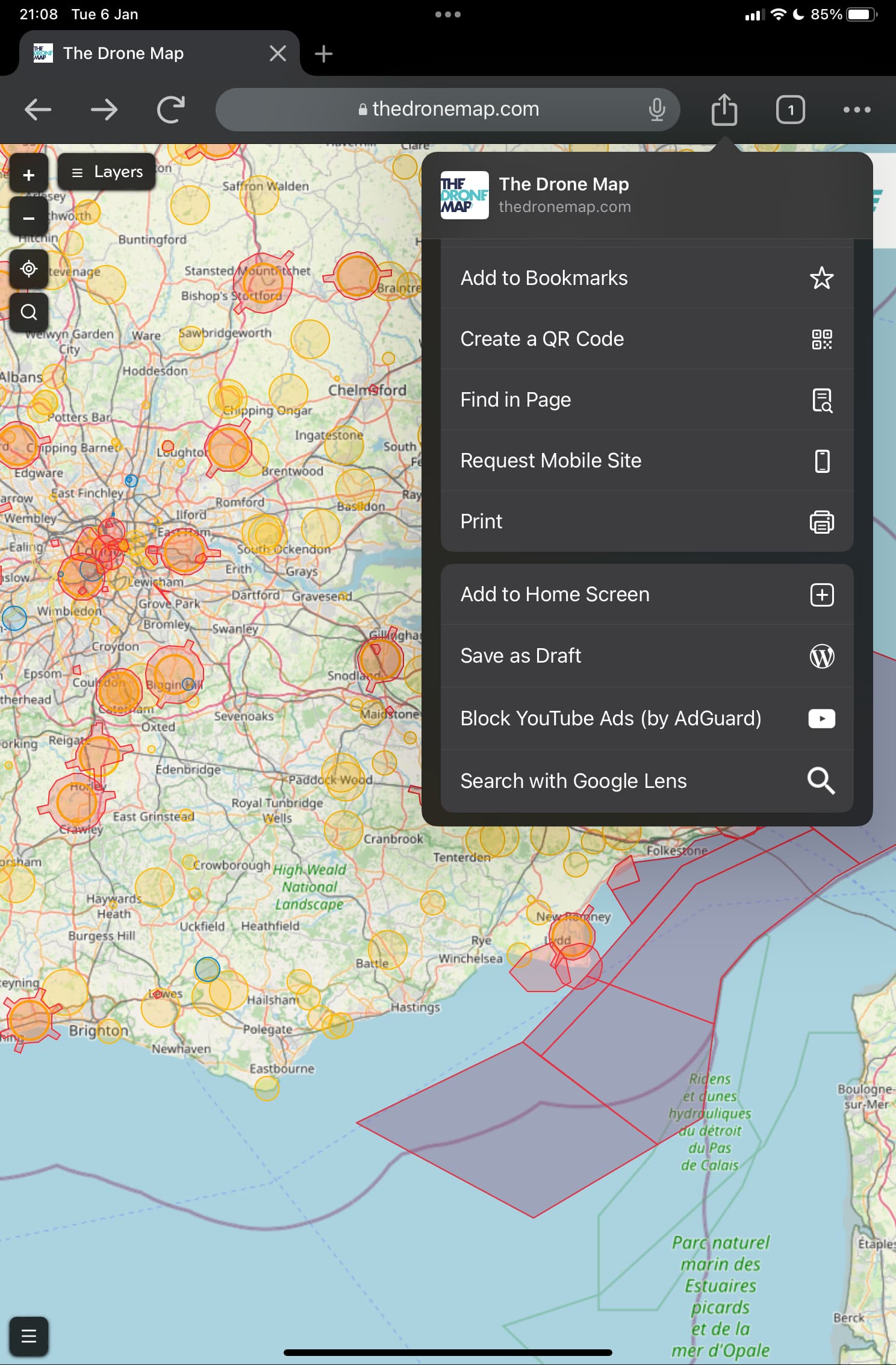
OK. Or open it in Chrome, press Install, and then it’ll just load as a self-contained app going forwards with no hint of Chrome 
Keep up the good work 
Hi Simon
I just started using the Drone Map absolutely love it.
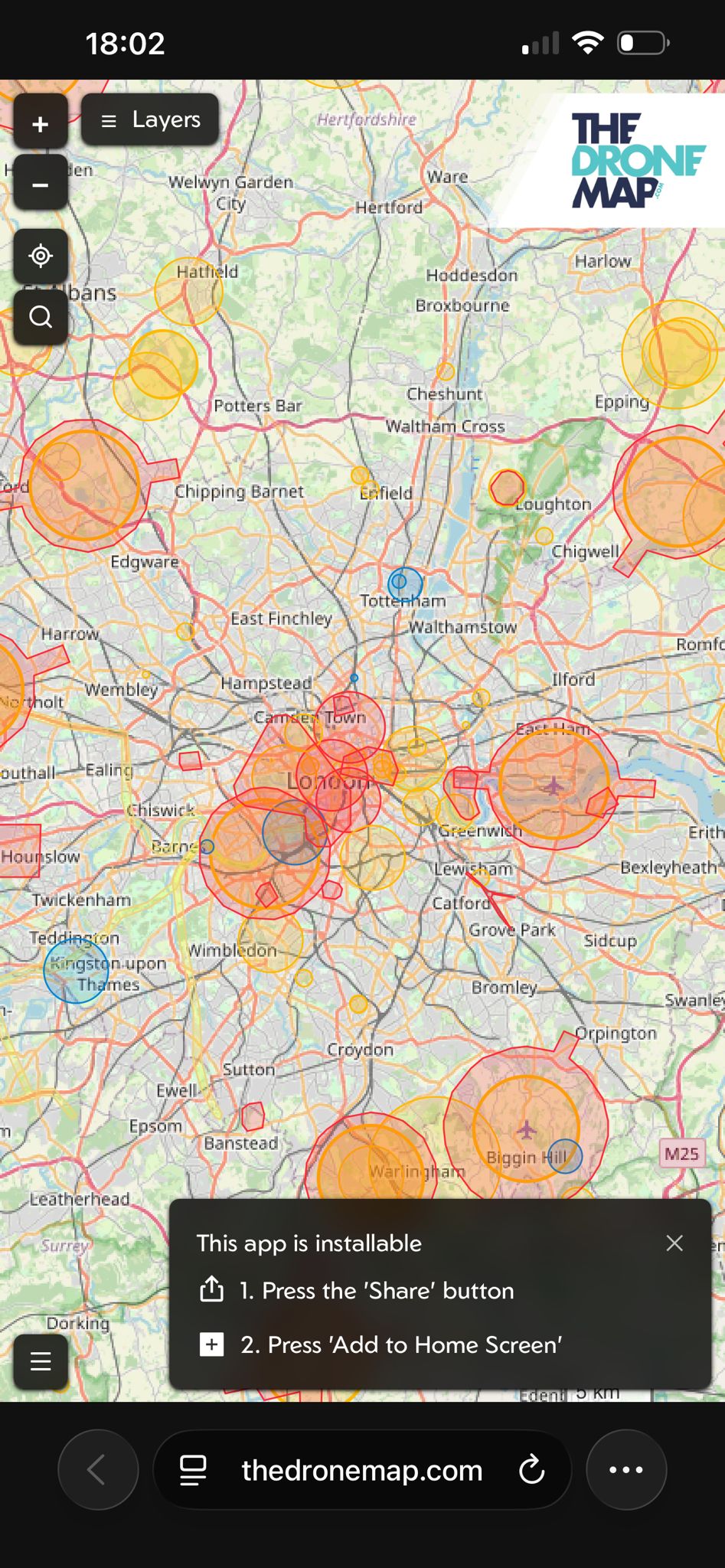
When I go to it on my Iphone it doesn’t give me the option to download it so I just wondered if Im the only one having that issue ?
Thanks
Hi @Kendo - welcome to DroneHub!
I’m glad to hear you’re enjoying the map.
What browser are you using on your Apple device?
It certainly works fine on my iPad with Chrome.
Thanks
Simon
I’ve just pushed a change @Kendo
Could you try it now please?
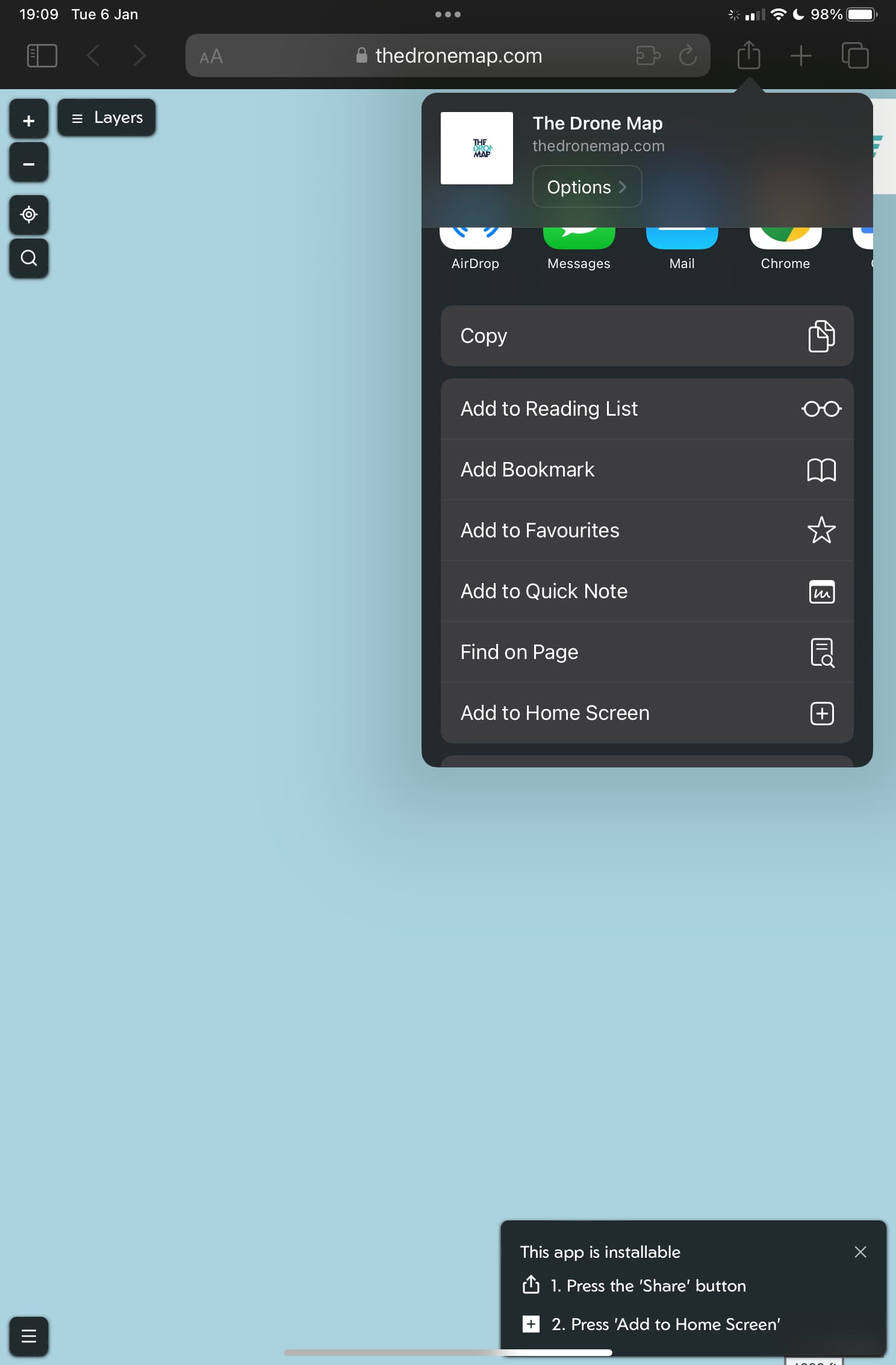
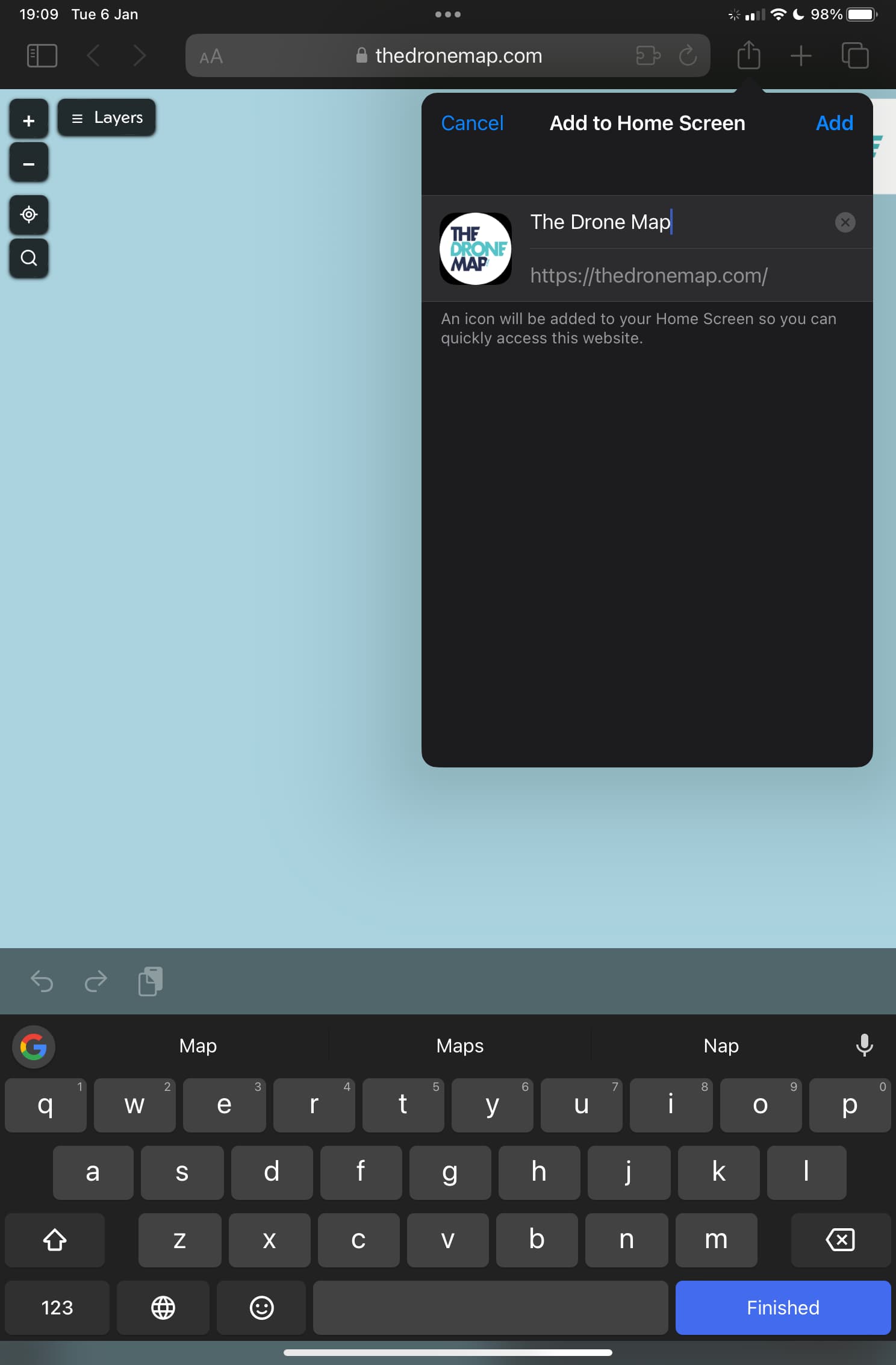
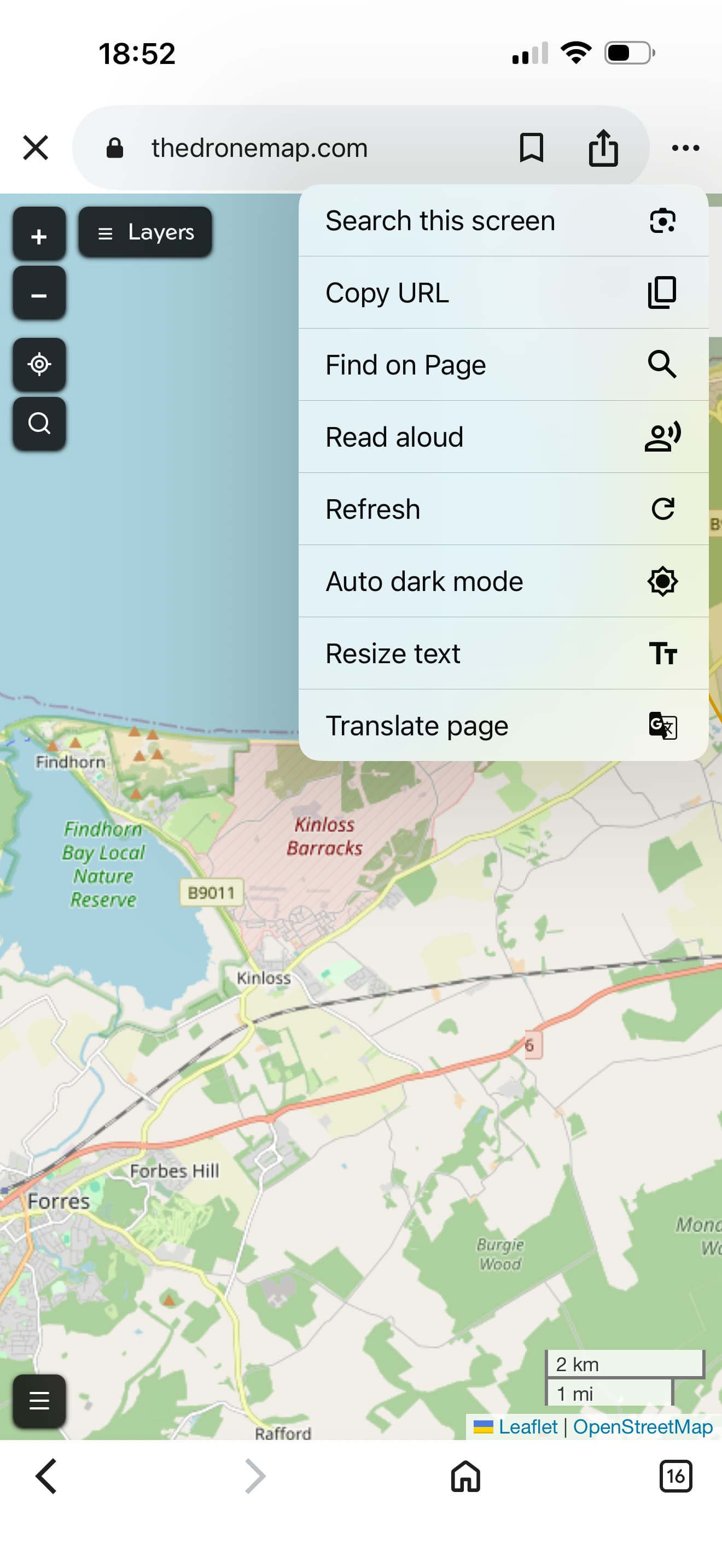
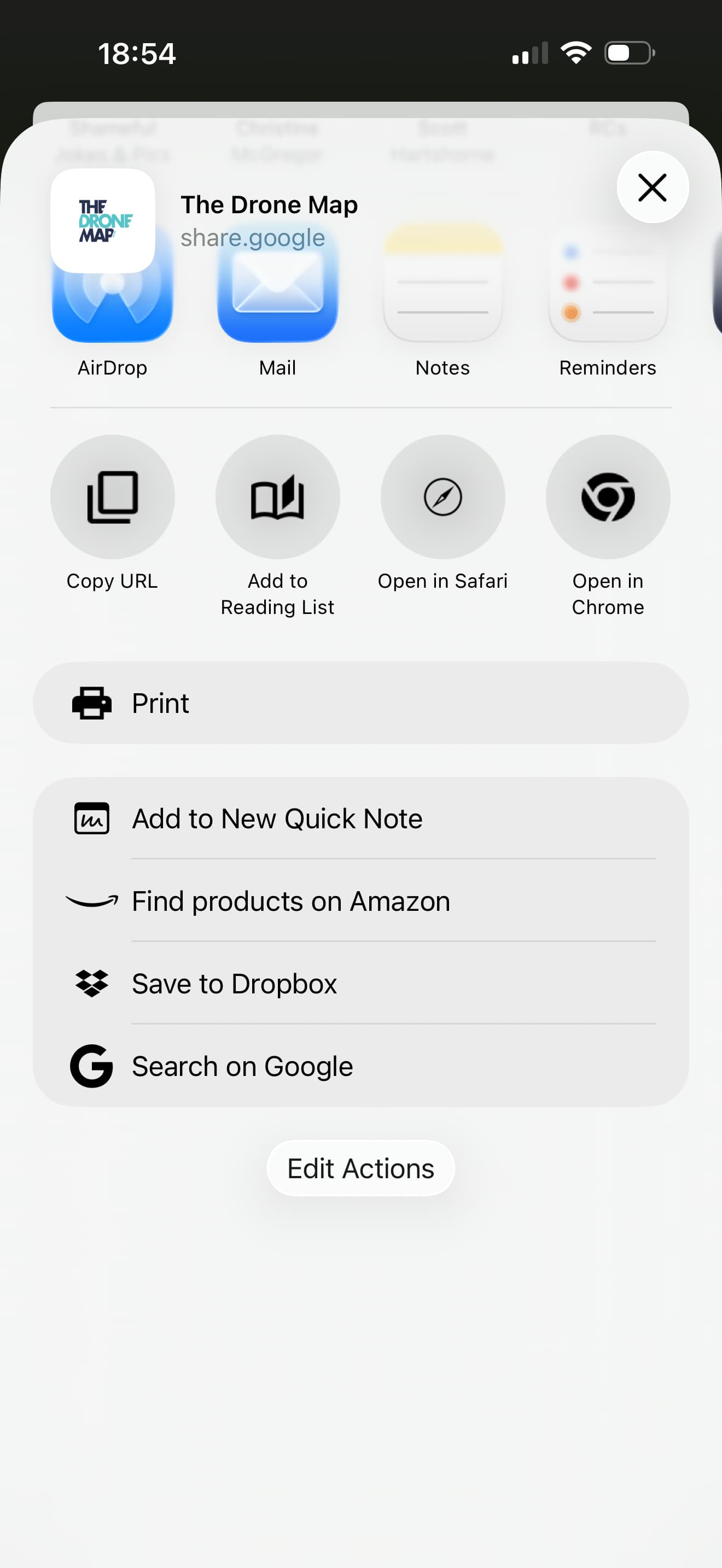
You should see this message, and then be able to press three dots - share - more - add to home screen?
Hi Simon
Im using Google will try it now.
Thanks
Hi Simon
Sorry to be a pain, its now not showing the little box at the bottom but if I click on the share & the three dots add to homepage is not an option.
Thanks
Can you open it in Safari?