can anyone please help me with activating the remote id? I’ve read the (very small) section in the user manual but I can’t find what it says to do in the fly app on the controller
2 Likes
I was just going to ask the same question for my Mini 4 Pro so I hope you don’t mind me piggybacking my question on your thread?
I read that it automatically emitted the ID but how would it know what the code was if it hadn’t been inputted? Because I currently want to fly in the EU and UK I will have to enter a different ID to comply with CAA and EASA regulations so I hope it’s easy to input and change.
1 Like
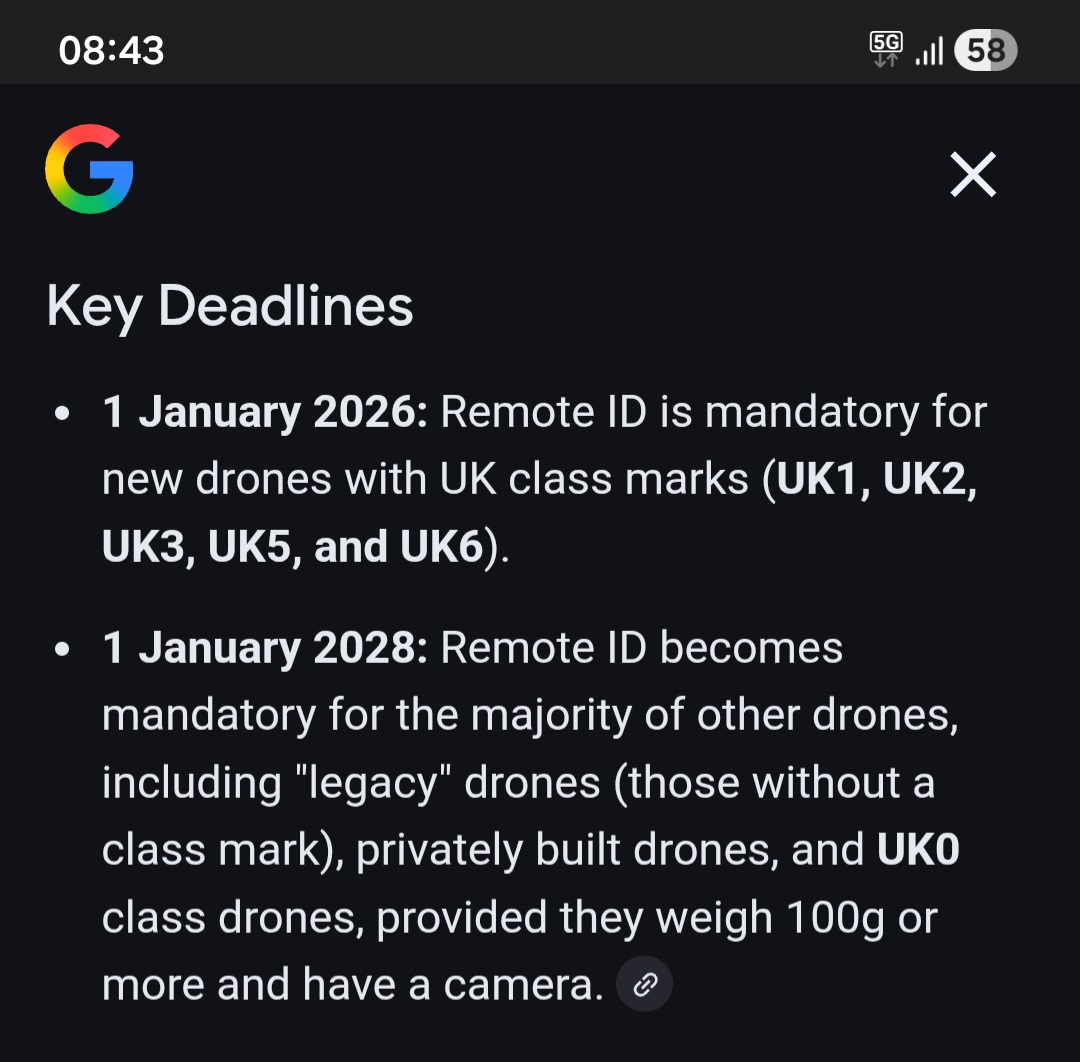
Hello @Pondlife full mandatory requirement or compliance from CAA is not intill January 1st 2028.
2 Likes
It might not be mandatory yet but that still doesn’t explain how we enter the information?
1 Like
Thanks,I know it’s not mandatory yet for UK0 class so is that why I can’t find anyway to activate it now? I suppose there will be a firmware update in the future?
1 Like
1 Like
I’ve read all that and found my I.D but don’t know how to input it into my drone
1 Like
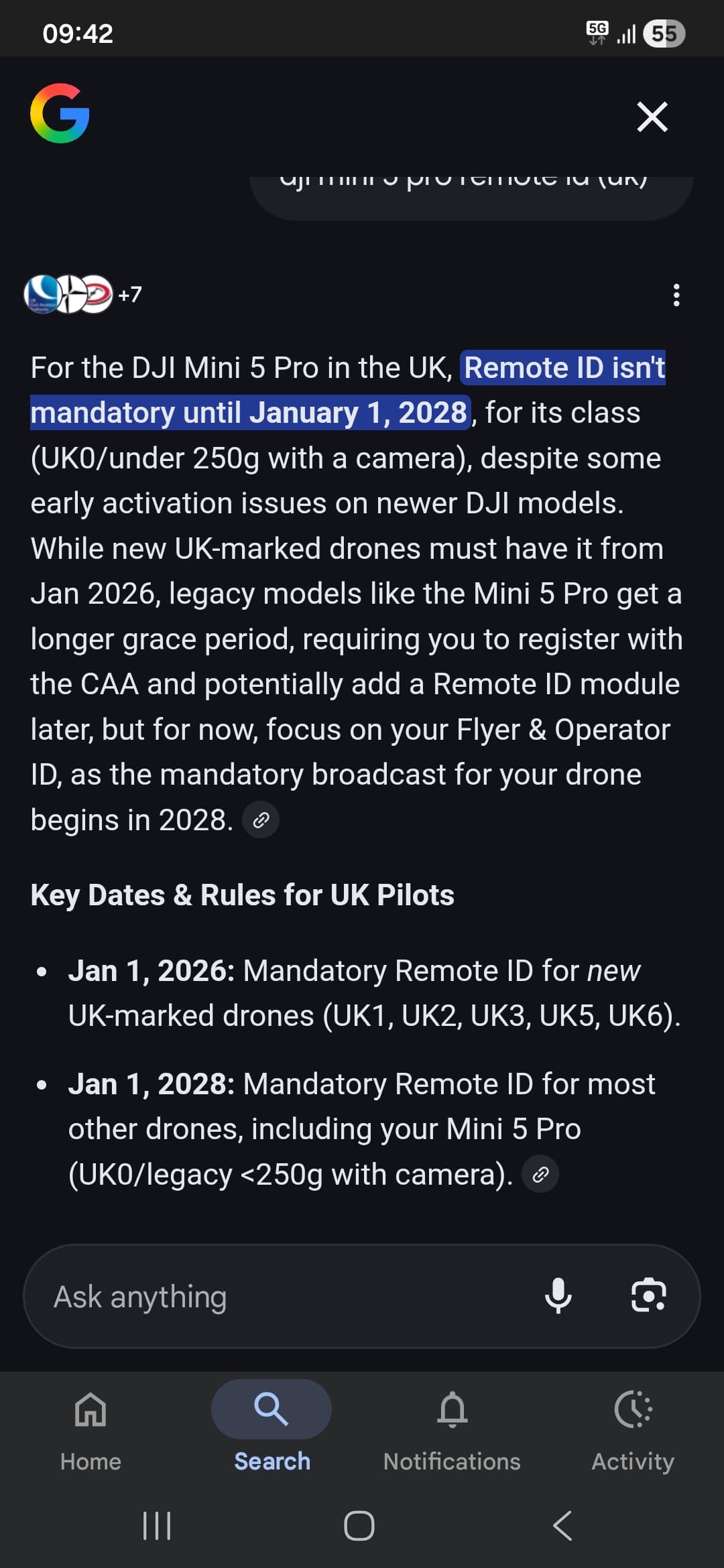
thanks for that.I hope there will be some sort of firmware update as adding a module would take it over 250g
2 Likes
No problem 

2 Likes
Thanks for that DroneDad.
2 Likes
As @DroneDad said, it’s not required until 01/01/2028 and I’m confident DJI will make the relevant menu appear before that time.
FWIW, On Potensic Atom 2 you can input it now - and they issued new firmware around 01/01/2026 which makes it show a green LED, for night flying. I wasn’t expecting Potensic to beat DJI to the punch on those two things!
2 Likes