Am I missing something? I cannot find an android download for an app, a friend has the app on his I phone but all I can find is a website?
1 Like
@Tricky👋 Firstly welcome to the Drone Hub community lots of members with knowledgeable information on here so fill free to ask anything.
Yes we do it is available to download to your device just vist this link Source: The Drone Map The Drone Map
1 Like
Thank you! Maybe I am being a bit thick, but I cannot see any links to any downloads?
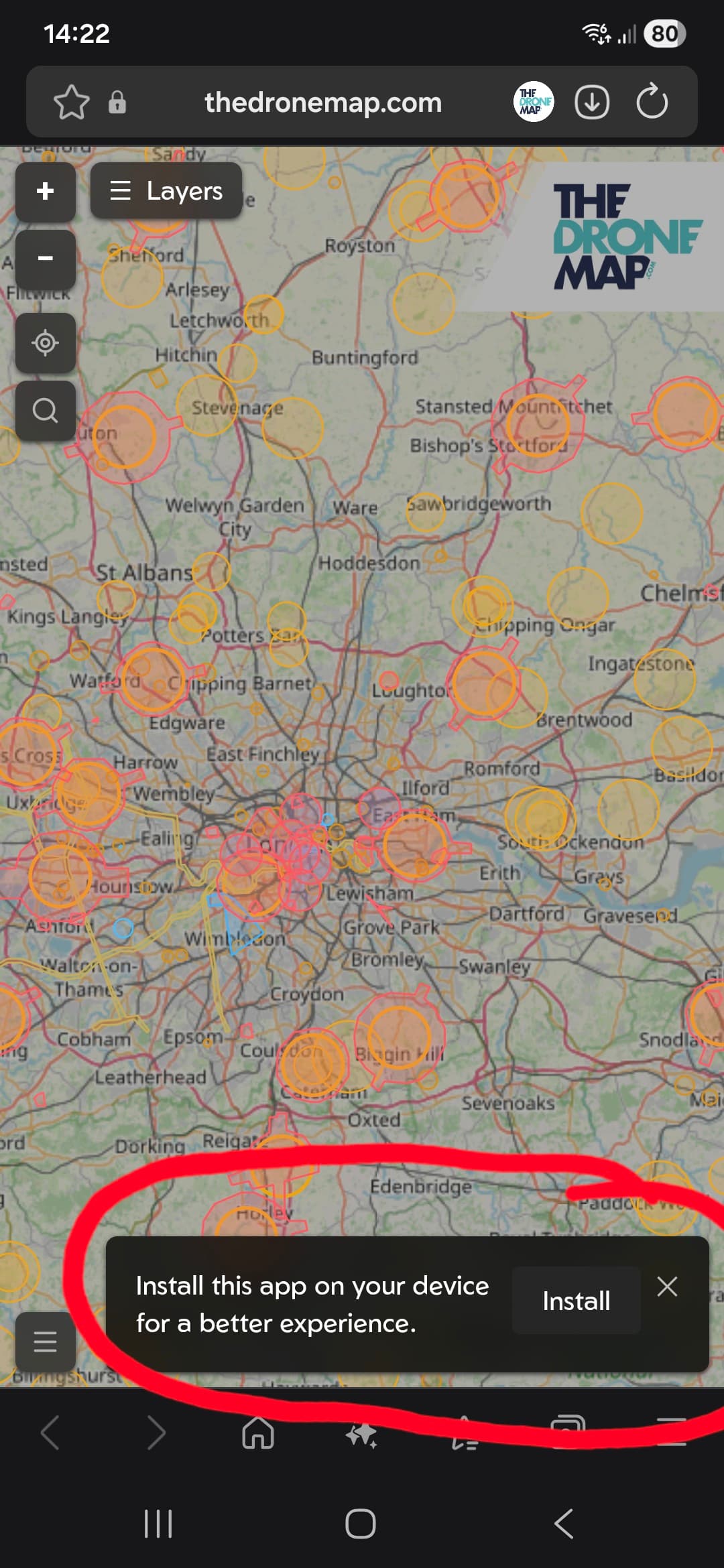
@Tricky When you click on the link in the bottom right-hand side you will see this message- install this app on your device for a better experience.
Here is a screenshot of what you will see.
1 Like
@Tricky Hi  Did manage to install The Drone map on your device?
1 Like
It just doesn’t appear on the webpage and i have tried two different browsers so far, could it be my antivirus that stopping it?
@Tricky Are you using iOS or Android?
If you are using IOS it requires the following…
Notes for iOS Users:
Many drone safety apps, such as Drone Map: Fly Spots, require iOS 18.0 or later, while others may require iOS 15.1 or later.
Ensure you have sufficient storage as these maps can be large.
Some users have reported better results using Chrome on an iPad to manage these web-based maps.
1 Like
Thanks @DroneDad
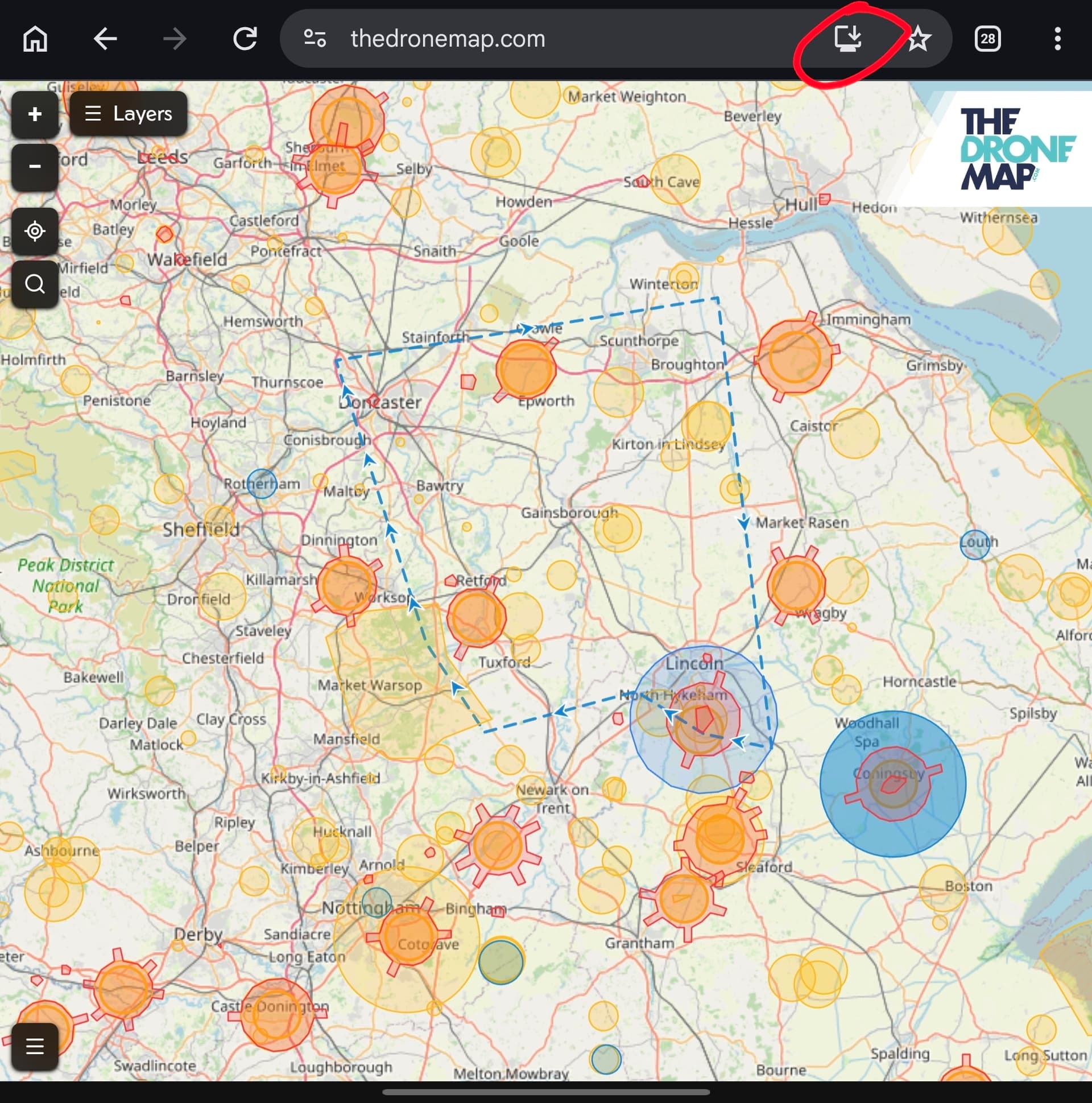
@Tricky what browser and OS are you using? On Chrome on Windows or Android you will have an Install option. Or you can press ‘Add to Homescreen’ in the menu to do the same thing.
On Chrome, or Safari, on Apple you press Share, and then ‘Add to homescreen’ to achieve the same thing.
1 Like
A screenshot of thedronemap.com on your device would be very helpful if you could provide one please?
2 Likes
Thanks for your patients guys, I am using Firefox on both my win 11 and my android phone and there is no option like Drone Dad showed.
I installed chrome on my laptop and did get that option and now have a desktop app however there is no option to do the same on my android phone, using both Firefox and chrome!
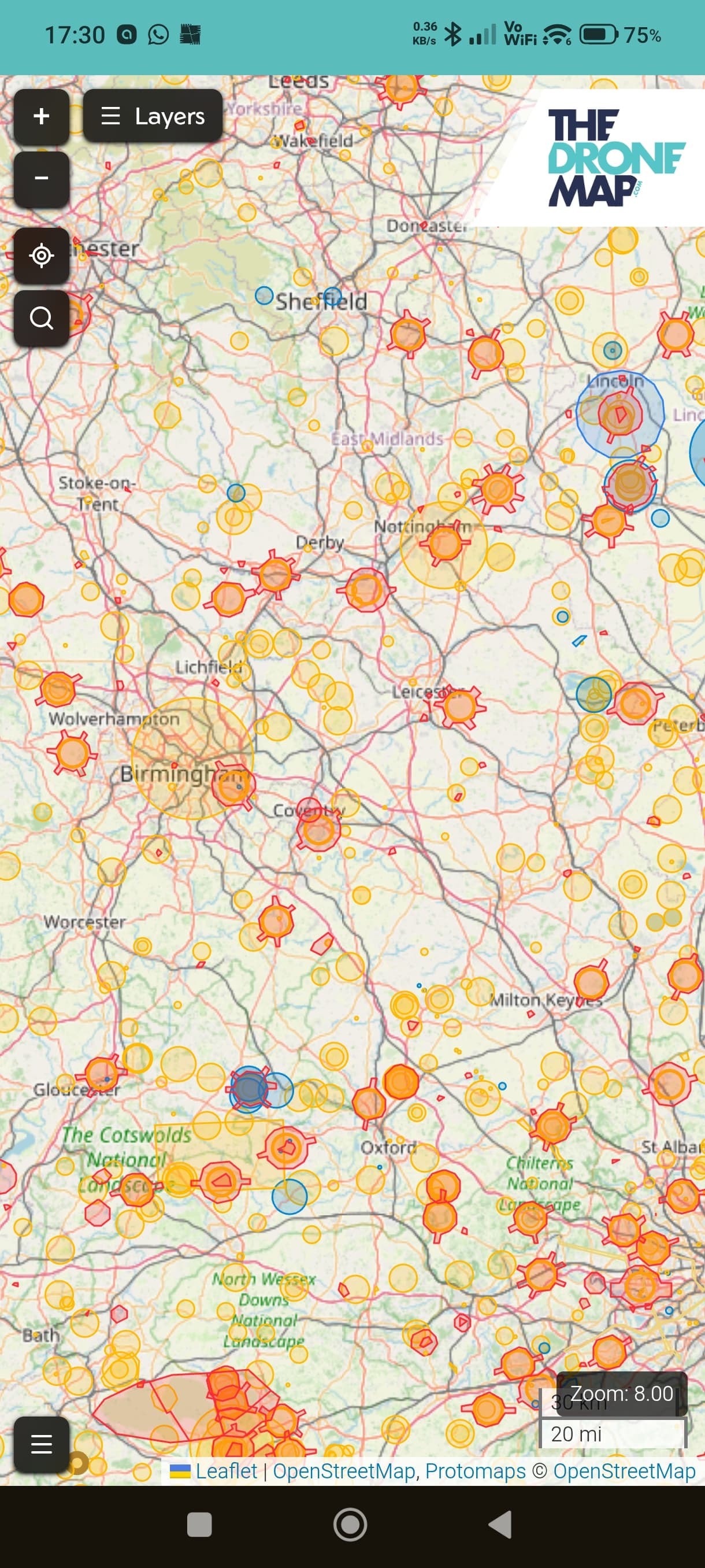
However, I have just tried again, and the menu came up where it didn’t before so now finally have the app on my phone, this is the first time I have been able to access the menu on my phone after numerous tries.
This is a screenshot of my phone!
2 Likes
Great stuff. So you have an icon on your homescreen now?
Firefox doesn’t fully support Progressive Web Apps. It needs to be Chrome or Safari.
Glad you’re sorted.
1 Like