I’ve got my charger plugged into the remote & after a certain time,it starts bleeping,then I disconnect the charger lead & even though the remote is turned off,the lights are still on & wont turn off.any ideas please.
Sorry for all the questions,but I’m new to drones.
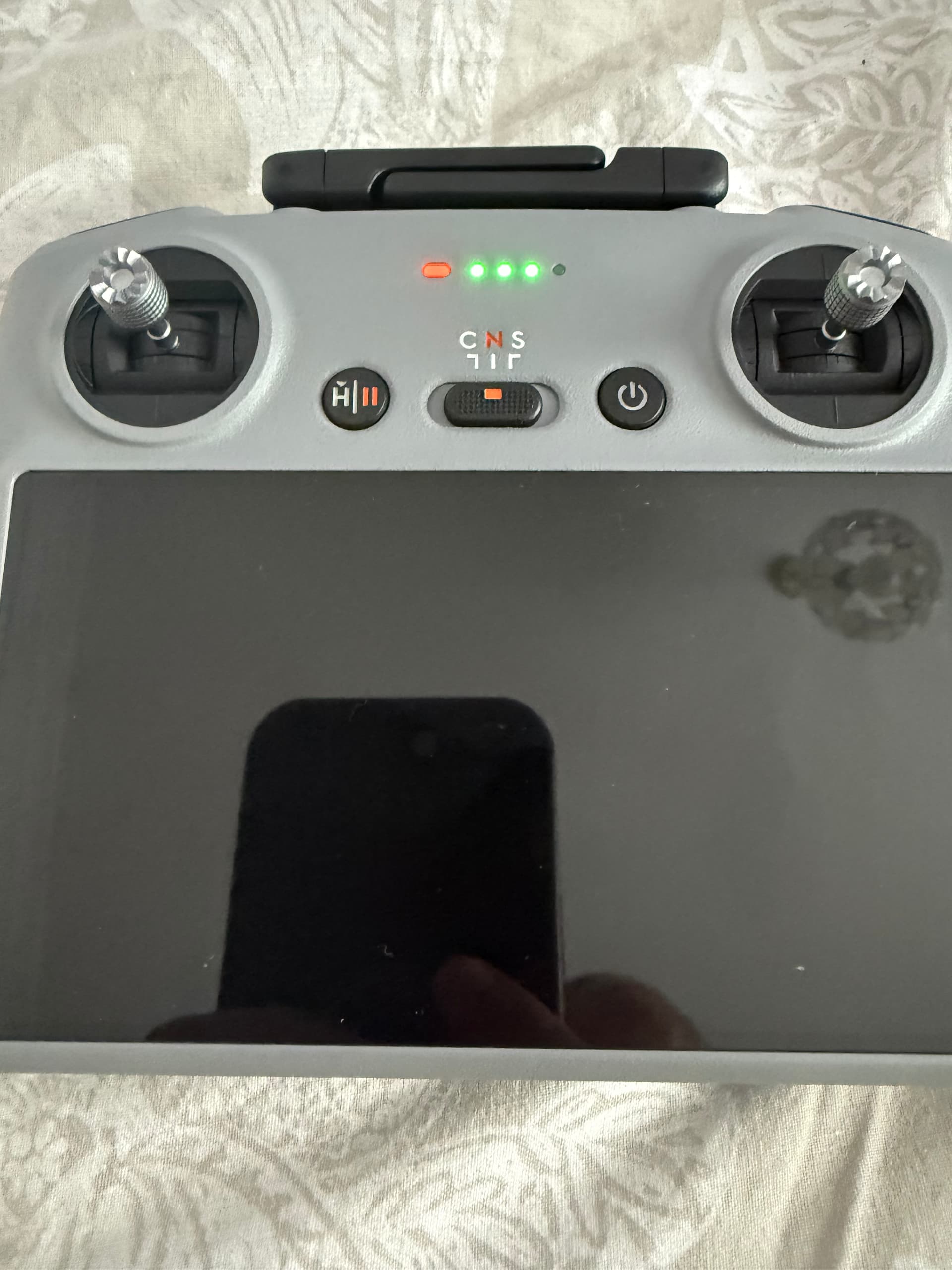
@Andy_H
Have you tried double pressing the power on to completely turn of the Dji RC controller?
Yes I’ve tried that I’m guessing it’s a faulty remote as I can’t turn it off & after so long it starts bleeping now even though I haven’t got the charger plugged in😡
Troubleshooting a standard shutdown or the correct sequence (press once, then immediately press and hold until you hear a descending tone or see lights stop flashing) fails, try these troubleshooting actions.
Force a shutdown: Press and hold the Power button continuously for 15 seconds until the screen turns off and power cuts.
Update firmware: Connect the controller to Wi-Fi or the DJI Fly App to check for and install any pending remote controller firmware updates, then try powering it off again.
Allow battery drain If it remains completely frozen and unresponsive to the hard reset, leave the controller powered on in a safe place until the battery drains entirely and it shuts down on its own, then recharge it fully.
Or Submit a repair request If the power button is physically broken or the unit refuses to turn off even after draining the battery, visit the DJI Repair Service to submit an online repair.
1 Like
Thanks dronedad,I’ve managed to turn it off now.next question,I’m charging the batteries in the charger hub & this is the status now,1st battery on 1,2nd battery on 2 & 3rd battery on 3,does this mean they are all charged fully.?
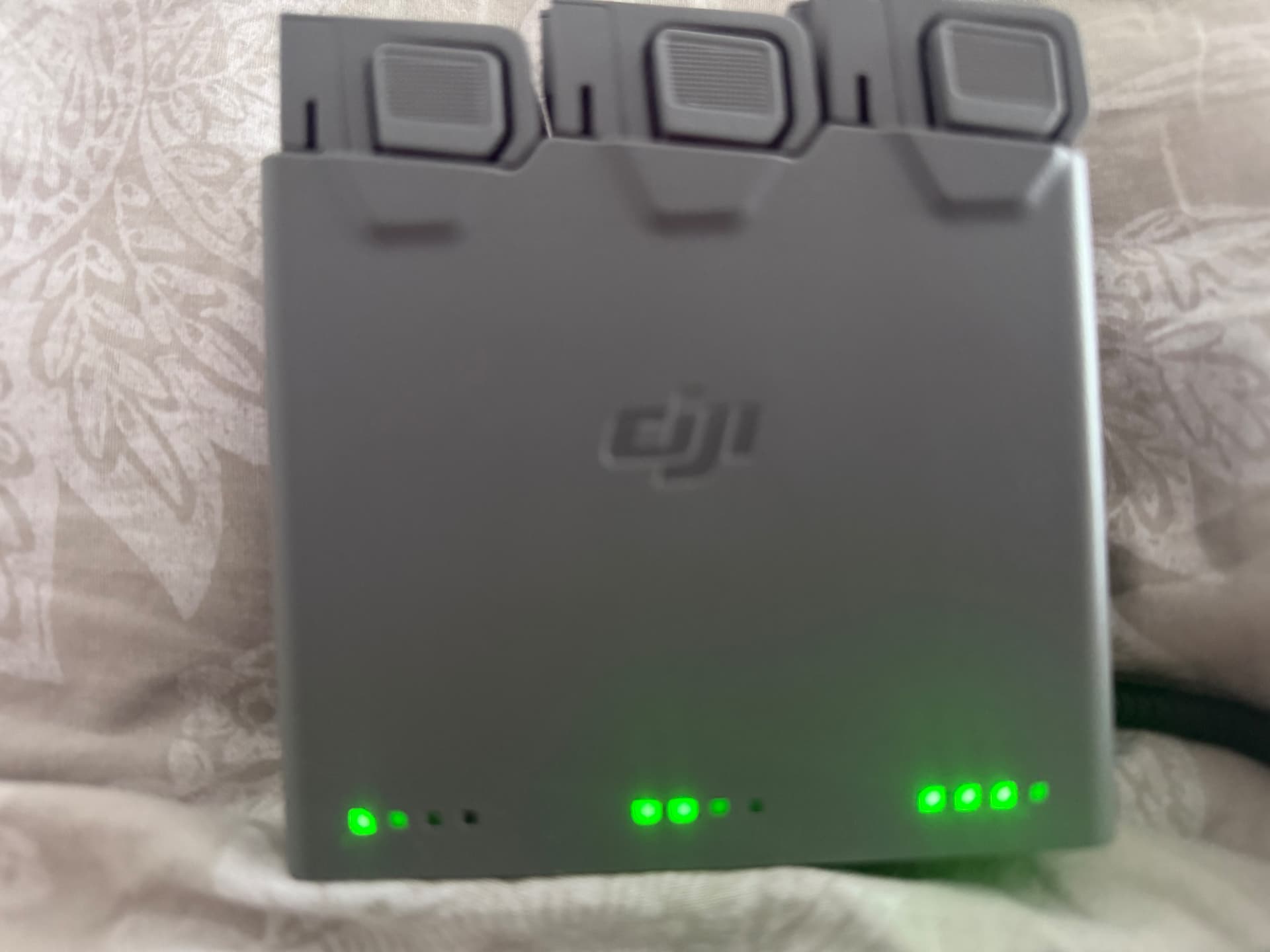
All 3 batteries will have 4 lights when fully chared.
1 Like
It could be my charger that’s the problem then,I’ve got a 40 watt charger coming tomorrow so hopefully that will charge better than the ones I’ve got
1 Like
@Andy_H You are most welcome Andy I’m glad you managed to turn of your RC Controller 

From DJI discussing the Mini 5 Pro charging hub…
“With the DJI 65W Portable Charger, three Intelligent Flight Batteries can be fully charged in about 2 hours, or three Intelligent Flight Battery Plus units in about 3 hours.”
One thing to note though is if you have the time charging a little slower puts less stress on the batteries and aids there longevity.
1 Like
That’s news to me. What’s the safest charger Wattage for DJI batteries then?
Some reading…
With so many different sizes of DJI batteries depending on the drone you have there’s no one size fits all minimum charger recommendation.
But essentially the slower the better that fits in with the time frame of when you next need to fly.
1 Like
Thanks!
Since the onboard chip discharges them for storage, I seem to always need to fast charge.
Have you heard that you need to do aircraft updates with every battery you use to upgrade their onboard firmware? Just read that somewhere recently and not sure if to believe…
Yup, I had a faulty one straight out of the box, they furnished my with a £50 voucher though!
Zac